

View app on Atlassian Marketplace
Welcome to JiBrok Calculated Fields (JBCF)!
A Pack of Calculated Custom Fields:
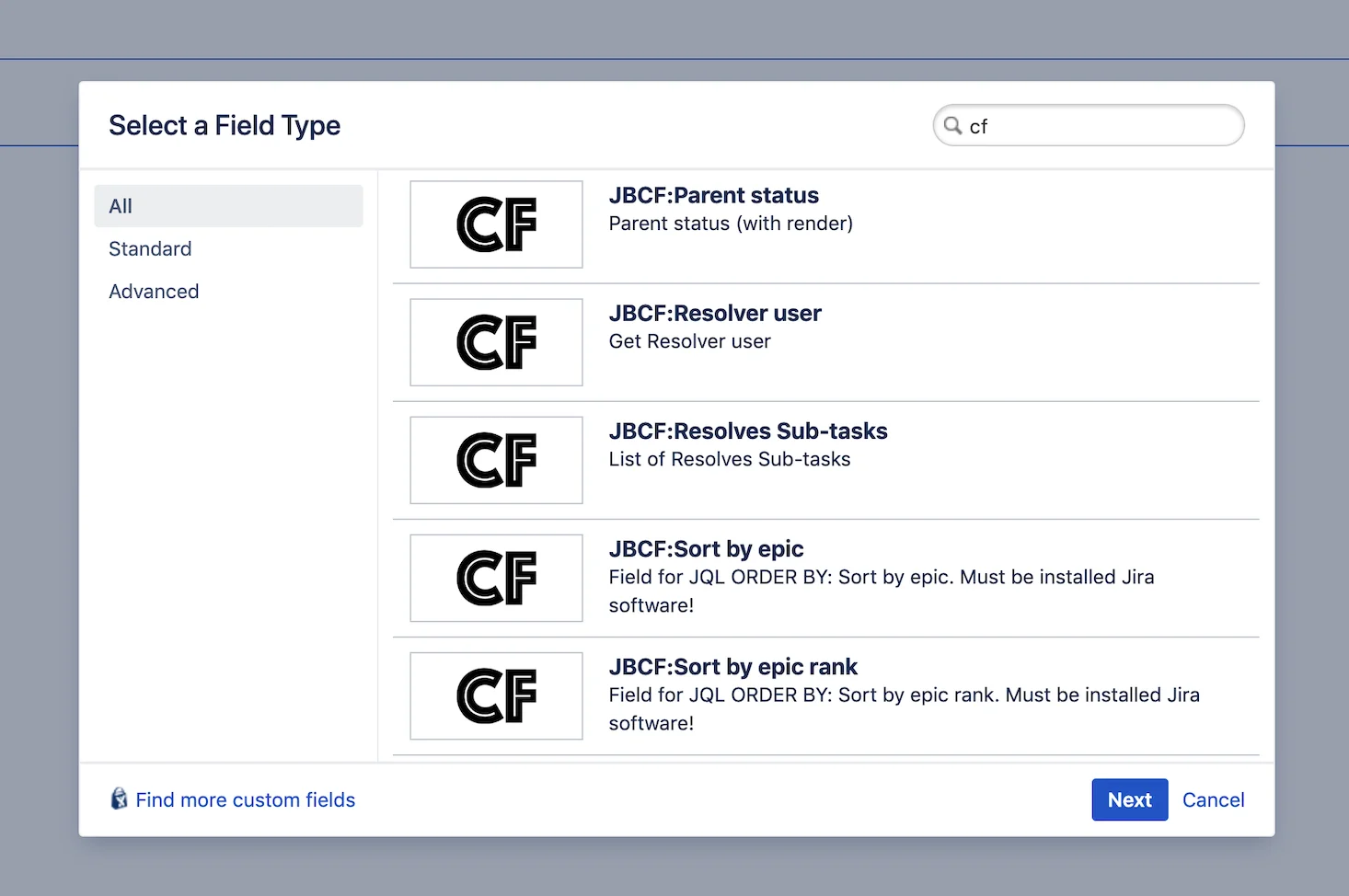
The pack ships 57 active field types. Each of them is created as an ordinary Jira custom field, and in the field type list they all carry the JBCF: prefix - so the whole pack can be found by typing JBCF when you create a field.
You can find all new fields by searching: JBCF
- To Do list
- A field for maintaining lists with the ability to mark completed items.
- Shared components
- Description: The list of projects is set in the field settings. In this field, you can select components from the specified projects.
- The field allows you to select components in an issue from any projects
- Value: Components
- Search: The field stores the value in the index.
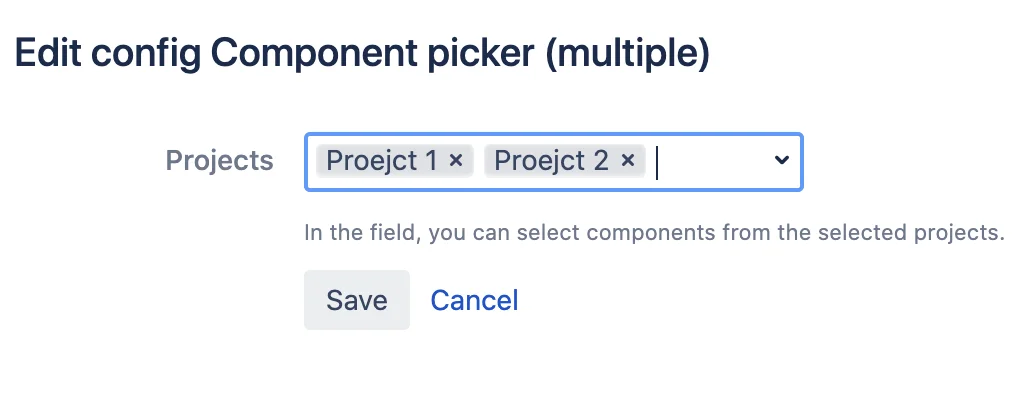
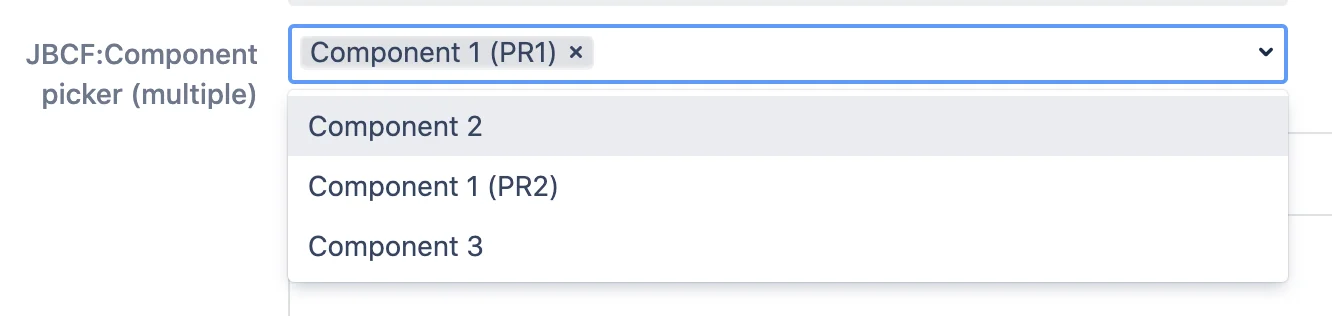
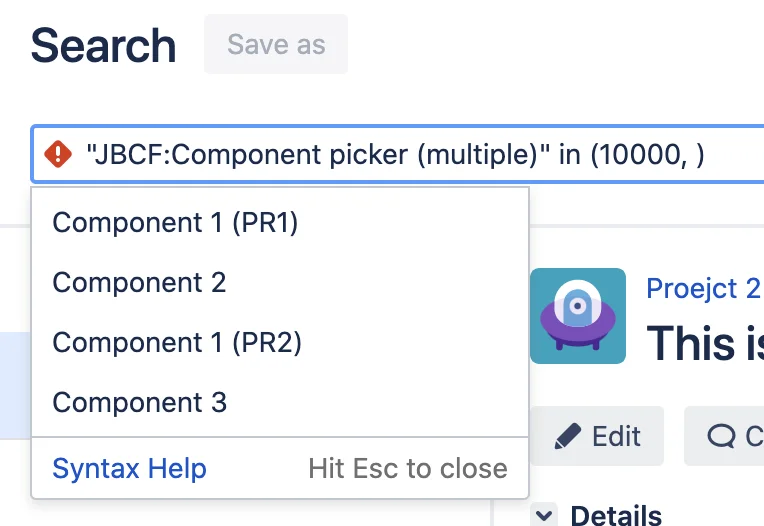
- Description: The list of projects is set in the field settings. In this field, you can select components from the specified projects.
- Status picker
- Role, Group,
- Versions - This field allows you to calculate intersections, merges, and differences between two version fields.
- Time between dates - Calculates the time between two date fields - system fields or custom. Use JQL to search for “time between dates” by duration (“>”, “2h”).
- Formula (number, string, date) - A field for calculating values using a specified formula (script). You can use any system and user fields for calculations. You can customize the display.
- Searching the calculated value in JQL is available for Formula (number) only, and it is off by default: turn on the Searchability (JQL) setting in the field configuration.
- Age
- Age by resolution
- Previous assignee
- Count of attachment
- Attachment links
- Select Attachment
- Remote links
- Count of comment (Deprecated)
- Last comment (Deprecated)
- Resolver
- Unresolved sub-tasks
- Sort by parent
- Parent status
- Sort by epic
- Sort by epic rank
- All linked issues
- Inward links or outward links
- Component leads
- Date of first or last comment (Deprecated)
- Issue comment (Deprecated)
- Regex
- Field Change Counter
- …
Deprecated field types. The comment-based types above are marked Deprecated in the product. They keep working in the configurations where they are already used, but they are not recommended for new fields.
Migrating to Jira Cloud
JBCF fields move to Jira Cloud with the Jira Cloud Migration Assistant (JCMA). In Cloud they become fields of Calculated Fields (Forge) for Jira Cloud (JBCF Forge).
Order of steps:
- Update JBCF on Data Center to 3.6.1 or later (
3.6.1-jira11.3or3.6.1-jira10). Earlier versions do not hand their data to the assistant: the migration finishes as successful, but without the app’s data. - Install JBCF Forge in the cloud site before you run the migration plan, and mark the app as needed in Cloud in the assistant’s app assessment.
- Make sure the JBCF fields you want in Cloud are on a screen of the projects you migrate.
- Run the plan, then read the assistant’s log: it is where the app reports what it carried over and what it could not.
What carries over: fields of 20 field types (the comment, changelog, link and sub-task counters, sort fields, component and project leads, and the To Do list), with their names, descriptions and contexts; the status of Date of the last transition to the status fields; and the settings and default items of To Do list fields.
What does not: 37 field types that have no Cloud counterpart - among them Age, Time between dates, Formula, Regex, Versions, attachment fields, lists of linked issues and the pickers; the direction, link type and status filters of Issue link counter; custom To Do list statuses; field values. The calculated values are not copied: the cloud app recalculates them in the migrated projects.
The full list of field types, the manual steps after the migration and the recalculation are in Migrating from Jira Data Center.
📖 Complete Documentation
🚀 Getting Started
- To Do List Field - Create interactive task lists in issues
📚 External Resources
- Full Field Documentation - Complete field reference and guides
💡 Additional Resources
- Support Portal - Get help and submit feature requests


