Count down to a goal between the issue events you choose, on a business calendar. Goals vary by JQL, the Timer panel shows time left on the issue, and JQL finds the issues that failed or are about to. Runs entirely on Atlassian Forge.
Timer fields, goals, work calendars, JQL search and an issue panel - in one Forge app.
Start, pause, stop and restart the timer on status changes, assignments, comments, field changes and more.
A default goal plus conditional goals by JQL - a fixed time, the end of the next business day or a date field of the issue.
Count only working hours, with breaks, holidays and time zones. Let users pick a calendar per issue with the Calendar Select field.
Find failed timers, running timers with little time left, or timers that failed this week - and sort by time left.
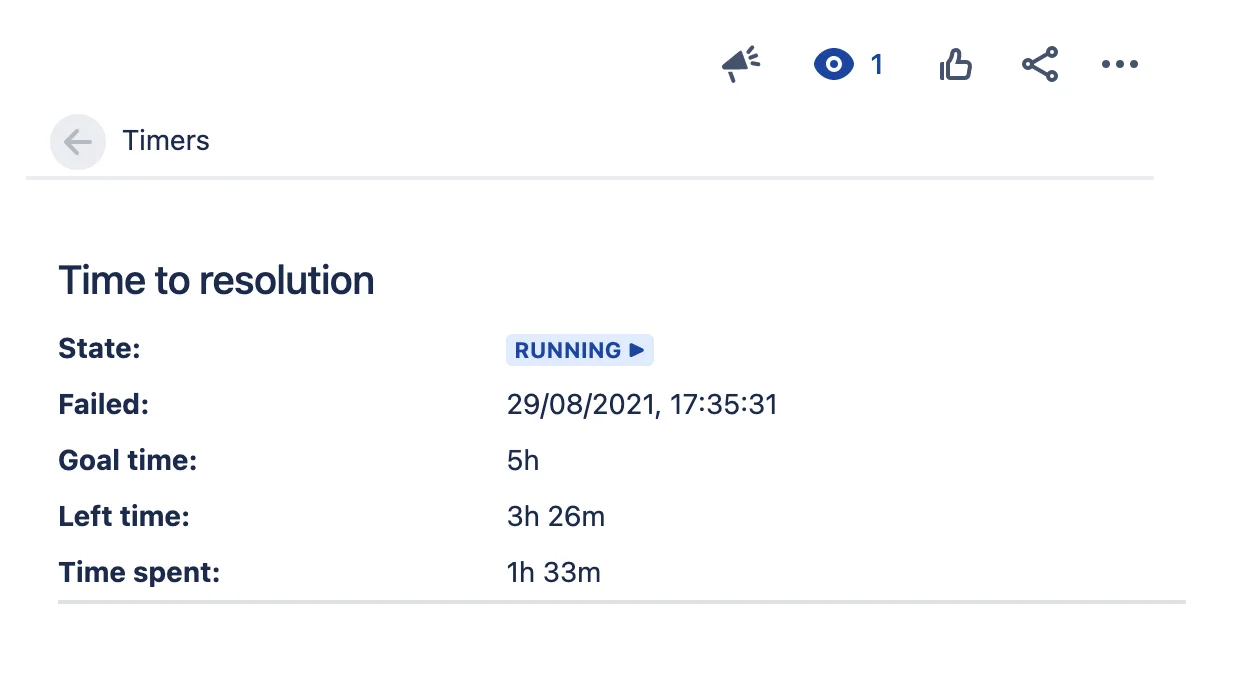
Show the timer state, goal and time left on the issue view, for the projects and issue types you choose.
Settings of the Connect app are imported when you first open the admin page. An audit lists the filters and gadgets to update.
Setup, configuration and reference for the Forge edition.
Install Timer Field for Jira Cloud and configure your first SLA in minutes.
EU-based vendor · Building for Jira since 2016