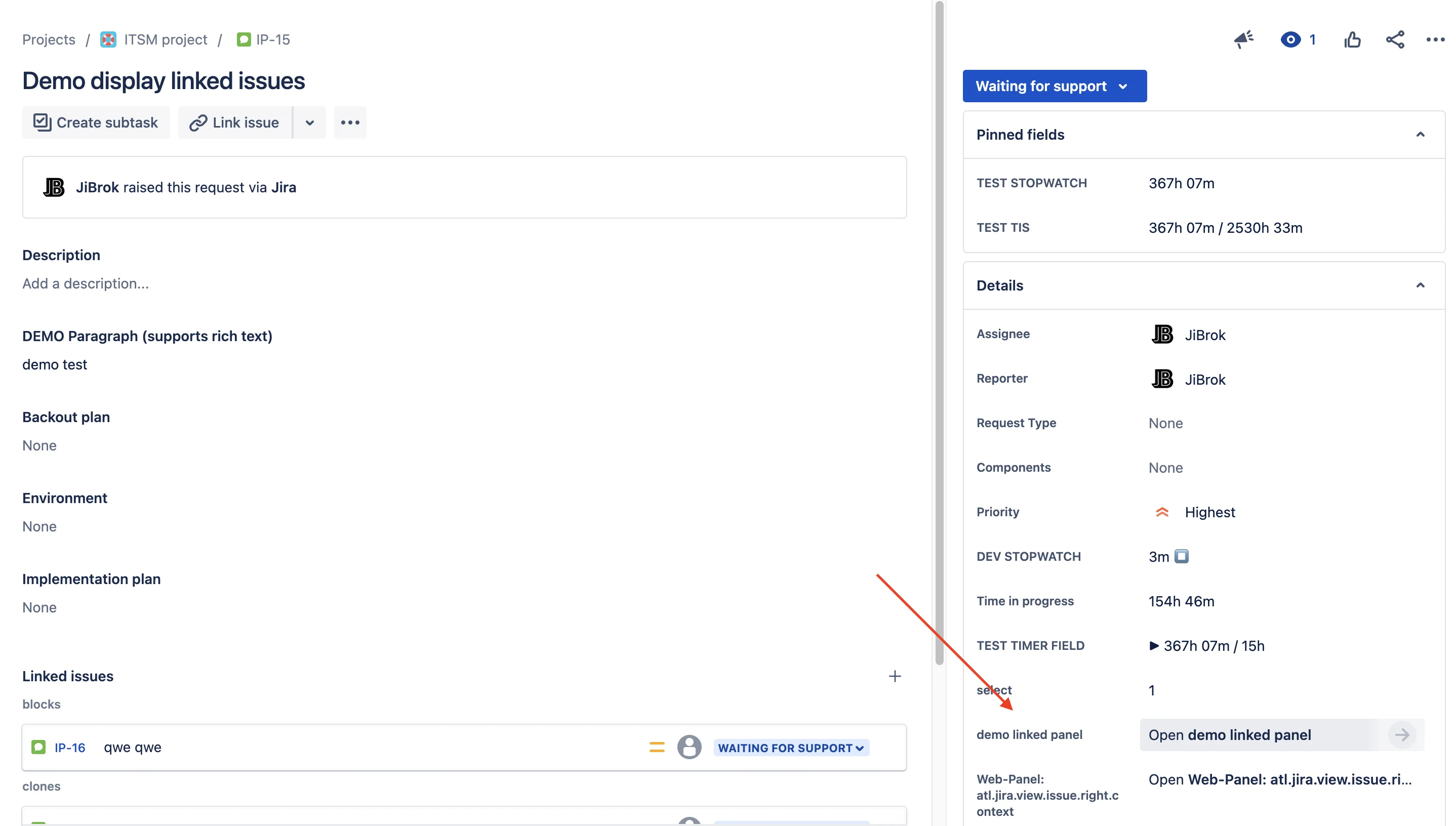
Show issues linked to the current issue, or found by a JQL query with values of the current issue, as a table on the issue view or in a Linked issues custom field. Viewers see only the issues they may see. Runs entirely on Atlassian Forge.
Tables of linked issues on the issue view, configured by Jira administrators.
Pick the link types to show, or write a JQL query with values of the current issue such as its key or project.
Choose up to 50 columns, the number of issues to load and the issues per page, with an issue count and an Issue Navigator link.
Show a table as an issue panel, an activity tab, a block in the right-hand column or from the issue actions menu.
A custom field that shows the table on the issue view, configured per field context, with the linked issue keys as its value.
Limit each table to projects, issue types, a JQL condition or a template condition.
Configurations of the Connect app are transferred the first time an administrator opens the settings page.
Setup, configuration and reference for the Forge edition.
Install Display Linked Issues for Jira Cloud and configure your first table in minutes.
EU-based vendor · Building for Jira since 2016