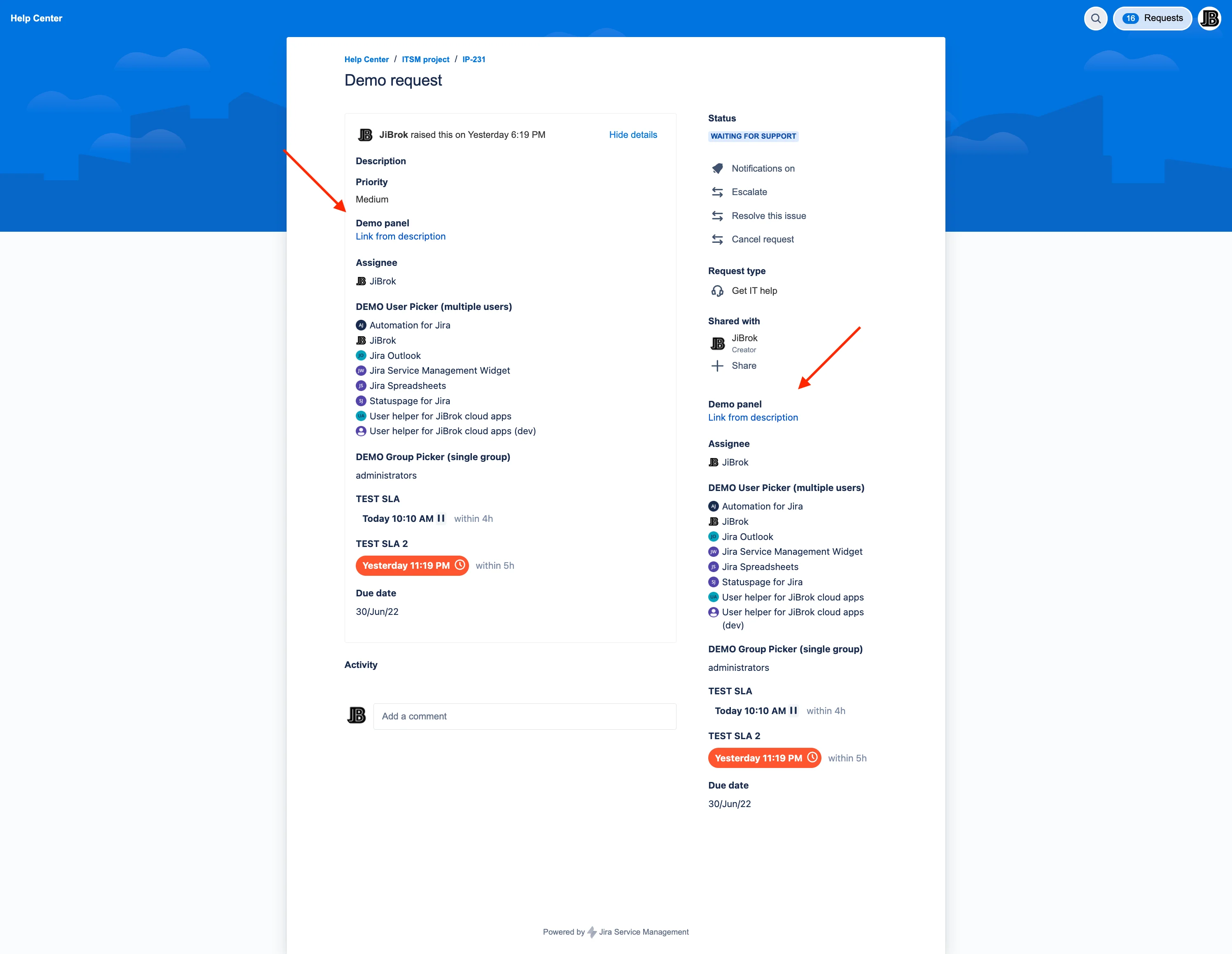
Show fields of the request, its SLA, linked requests and link buttons on the customer portal request page - in the main column, the request details sidebar, the header, subheader or footer. Runs entirely on Atlassian Forge.
Panels on the request page, configured per portal and request type.
Show any request fields, including SLA, approvals, responders and Assets objects, the way Jira users know them.
Put key fields in the right-hand column of the request page, next to the request details.
Hide empty fields, choose the colon and the value position, and set date and date-time formats.
Up to five buttons per panel that open a URL with values of the request, such as its key or portal.
An actor decides whose permissions a panel reads with; only public comments and linked requests the customer may see are shown.
Panels of the Connect app are transferred the first time an administrator opens the settings page.
Setup, configuration and reference for the Forge edition.
Install Customer Portal Fields Panel and put the right fields on the portal in minutes.
EU-based vendor · Building for Jira since 2016