 Message Field
Information panels where work happens
Show warnings, linked issues, JQL results, and custom messages directly on Jira issues, JSM portals, and request creation forms. Configure once - display everywhere.
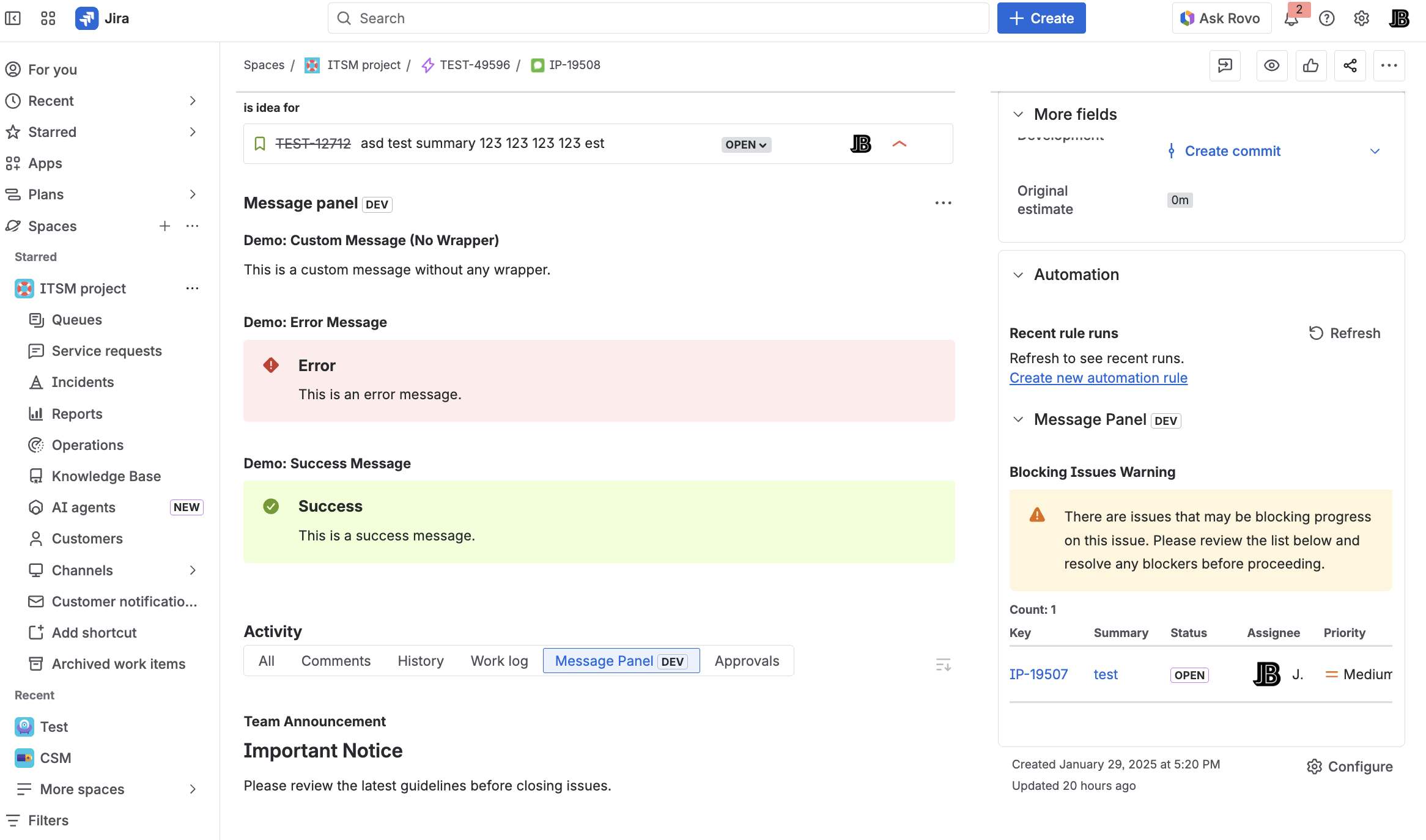 Message Field
Show warnings, linked issues, JQL results, and custom messages directly on Jira issues, JSM portals, and request creation forms. Configure once - display everywhere.
Native modules for Jira and JSM, custom fields with per-context configuration, and conditional display rules - all driven by templates and data sources.
Native Jira locations: Issue Panel, Activity, Context, Action - plus JSM Portal modules.
Message fields as native Jira custom fields - configure per project context for create, edit, and view screens.
Pull live issue data with {{ issue.fields }} syntax. Conditionals, loops, filters - render messages from real Jira state.
Show linked issues, JQL query results, or custom message - your panel's content adapts to the issue.
Per-project, per-issue-type, per-JQL rules. Show panels only where they belong.
Show contextual guidance on JSM request creation forms - with access to live form field values.
Whether your team lives in the issue view, the activity stream, or a JSM portal - Message Field meets them there.
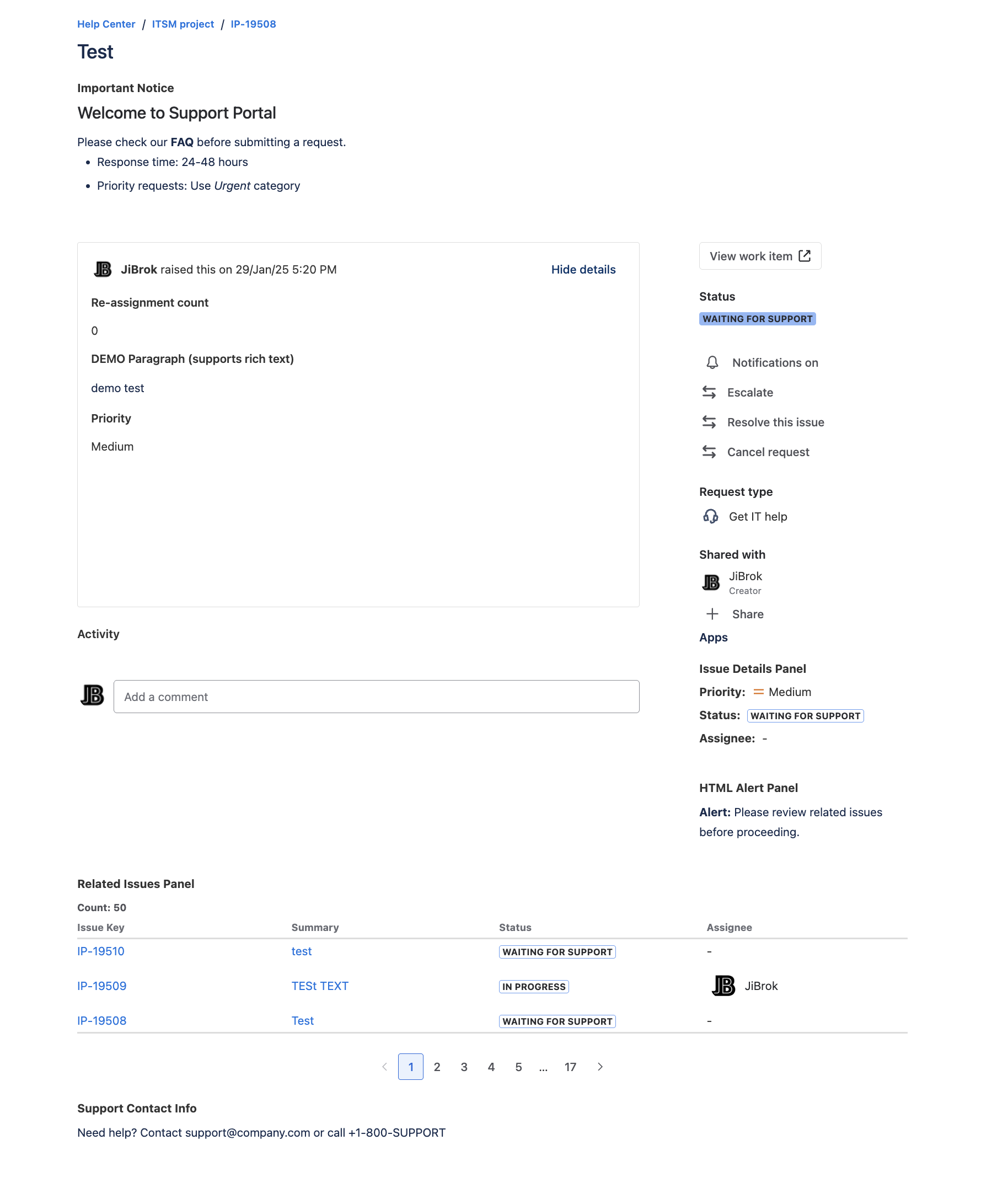
Combine live issue data, JQL results, and linked issues into context-aware messages. Built-in template editor with preview.
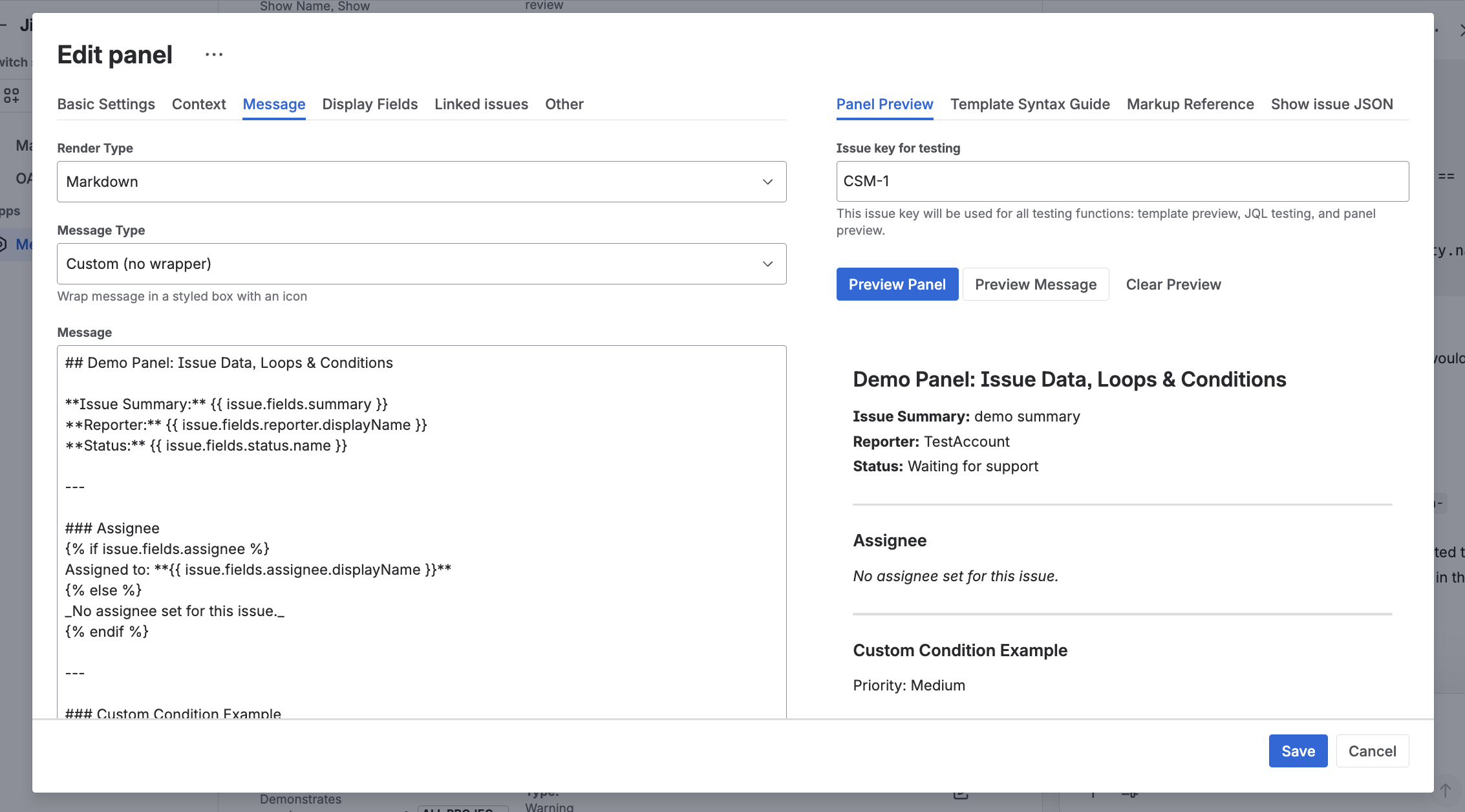
Modal windows, delegation to project admins, format flexibility, and AI-powered configuration via Rovo.
Display critical information in pop-up dialogs from the Issue Panel - hard to miss, easy to read.
Plain text for speed, HTML for control, Markdown for simplicity, or ADF for native Jira styling.
Let project admins manage their own panels without touching global configuration.
AI-powered analysis and admin agents - configure panels with natural language.
Import, export, and apply panel configurations to multiple projects at once.
Show panels only when the viewing user appears in specific user-pickers - perfect for assignees and watchers.
From first panel to delegated team management in five steps.
Create a panel configuration in the admin page
Pick data: linked issues, JQL, or custom message
Set projects, issue types, and JQL rules
Compose dynamic content with the template editor
Turn on the module - or delegate to project admins
No external servers. No OAuth setup. Your panels, templates, and configuration never leave Atlassian infrastructure.
Runs entirely within Atlassian's serverless infrastructure. No vendor servers, no companion services to maintain.
Each customer's panels and configuration are isolated by Forge. Same security model as Atlassian's own apps.
No third-party analytics, logging, or storage. Templates and data stay inside Atlassian Forge.
Everything you need to configure your first panel - and master advanced templates.
Create your first panel in 5 minutes.
Modules, custom fields, data sources, and display rules.
Master dynamic content with filters and advanced syntax.
Real-world examples for dev, support, and management teams.
Common questions, troubleshooting, and limits.
Install Message Field and configure your first panel in minutes.
EU-based vendor · Building for Jira since 2016
Message Field for Jira Cloud


