
Display Linked Issues for Jira Cloud Linked Issues

Show any related issues, exactly the way you need

Display issues linked through issue links or matching a JQL query, with parameters from the host issue. Pick which fields to show, where to display the panel, and which projects it applies to.

Issue links & JQL Custom field columns Per-project config
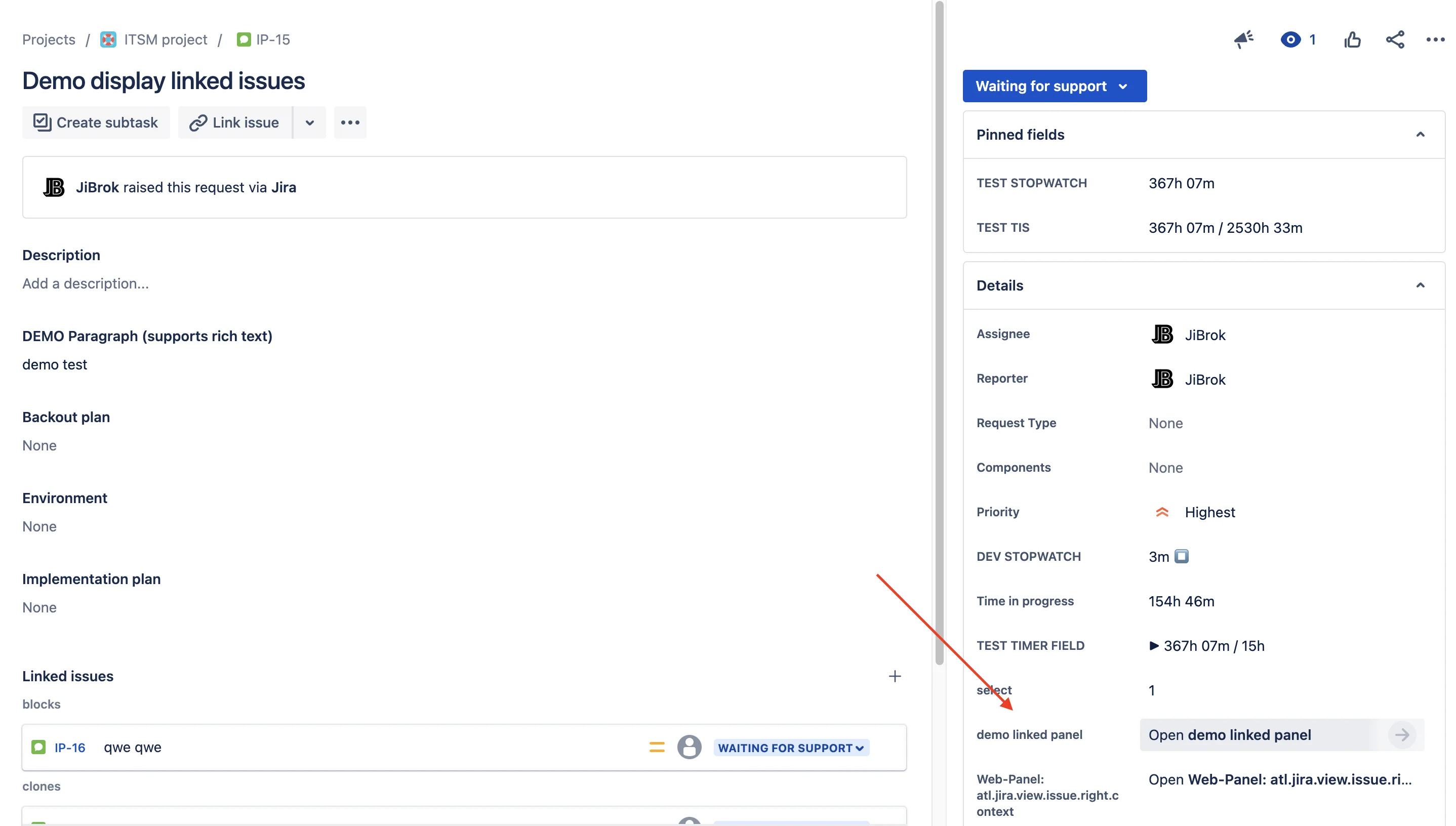
Display Linked Issues for Jira Cloud screenshot

Linked issues, your way

Configure exactly what to display, in which fields, and where on the issue view.

Configurable Sources

Pull issues via standard links or any JQL query - including dynamic parameters from the host issue.

Field Selection

Choose which fields appear as columns - system fields and custom fields, in any order.

Web Panels

Display the configuration as an issue web panel - in browser and Jira mobile app.

Project Mapping

Apply each configuration to specific projects and issue types - no global side effects.

Dynamic Parameters

Use issue fields as JQL parameters (e.g. priority=${priority.id}) for context-aware queries.

Multiple Configurations

Run several panels per issue - different sources, different fields, different audiences.

Documentation

Show the right issues, in the right place

Install Display Linked Issues and configure your first panel in minutes.

EU-based vendor · Building for Jira since 2016

JiBrok Display Linked Issues Display Linked Issues
rss
rss
rss



